Watchman Access
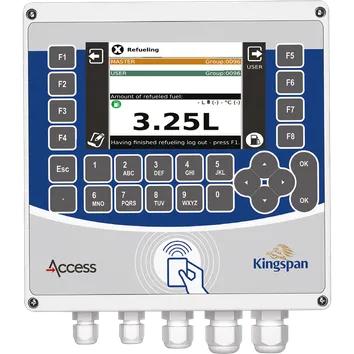
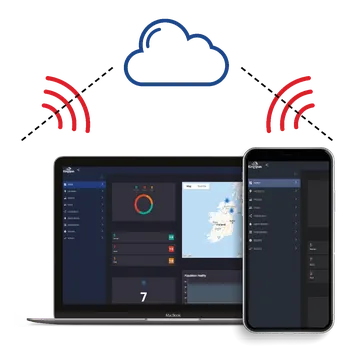
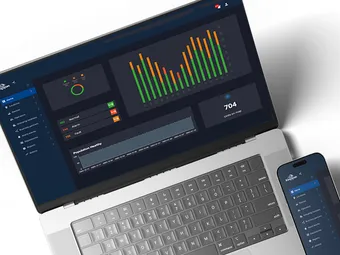
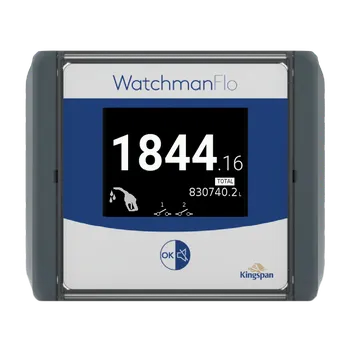
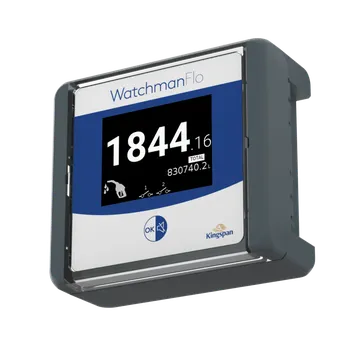
Watchman Access delivers accurate fuel monitoring and control across multiple locations. Its proprietary flow meters enable installation on almost any fuel tank or distribution station.
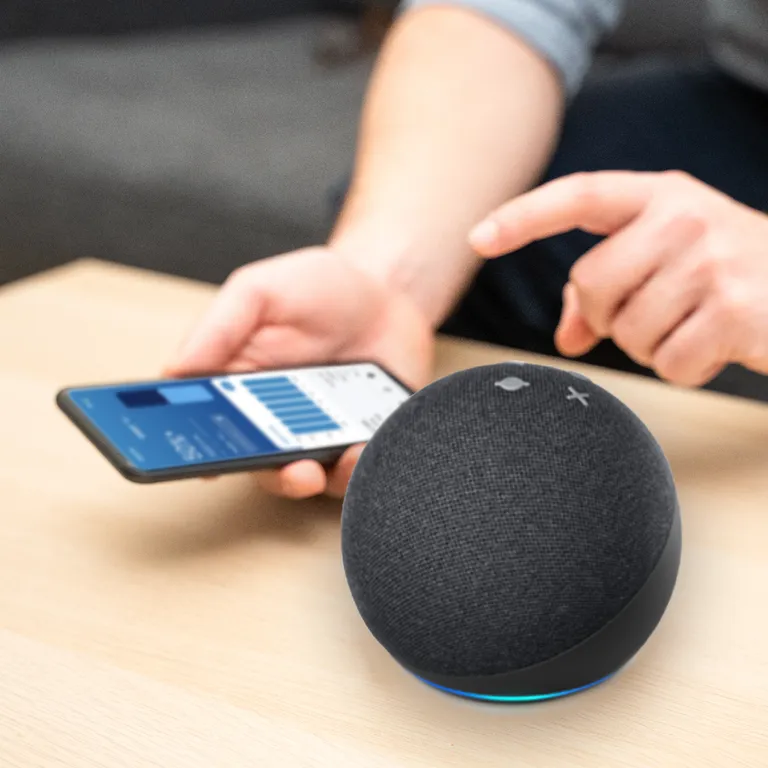
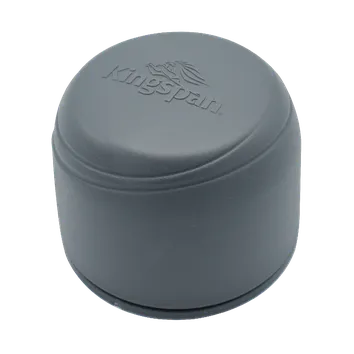
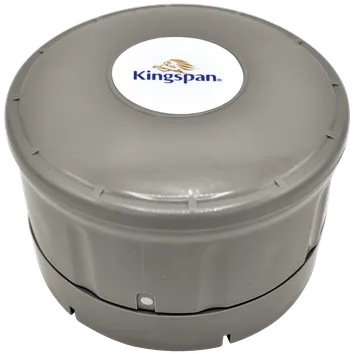
The Watchman Radar is a smart oil tank monitoring system that combines advanced radar technology with cloud connectivity to deliver highly accurate, real-time fuel level data. Designed for both domestic and commercial applications, it continuously tracks oil levels and provides instant alerts if unexpected changes occur, identifying potential leaks, theft, or unusual fuel consumption.
With remote monitoring and automatic notifications, users can check tank levels at any time, from anywhere. Providing greater visibility, control, and actionable insights, Watchman Radar helps improve fuel management, prevent unexpected shortages, and ensure your fuel supply is always monitored with confidence.
You can monitor only one tank per device.
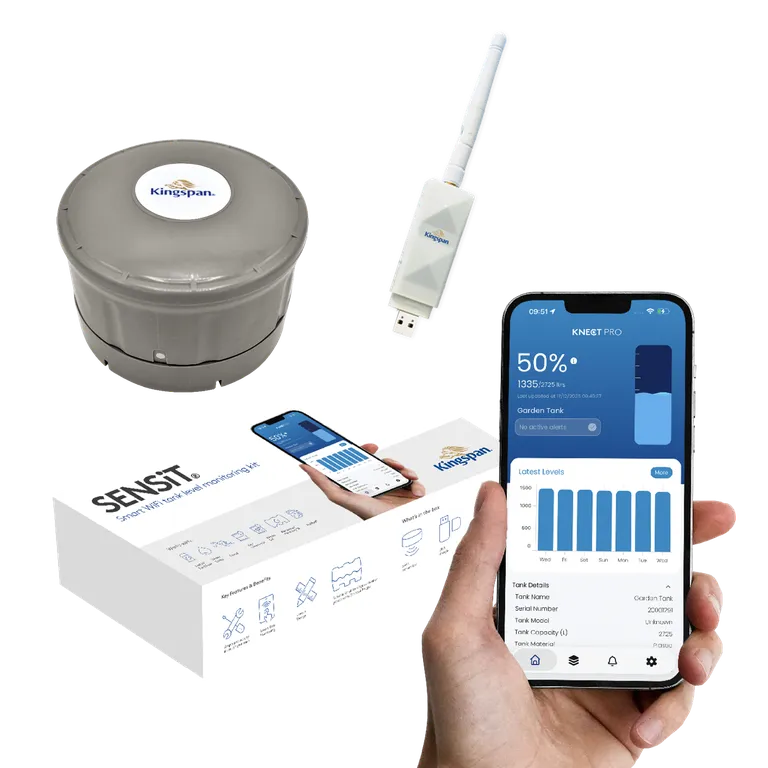
You can monitor up to 3 tanks fitted with Watchman SENSiT with one KNECT Pro app login.
Click here to watch the video and find out how Watchman SENSiT works
Watch the installation video here.
If your tank is Watchman SENSiT Ready, start watching from Part 2 at 02:55
Please check your phone settings and KNECT Pro app to ensure your notifications are turned on.
If the above does not solve your issue, please check that your USB receiver is connected to WI-FI (the green light should be on).
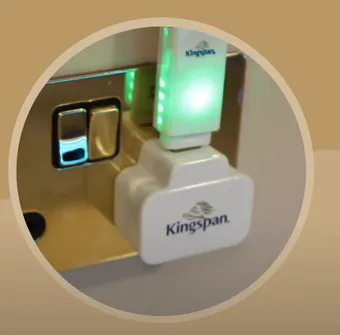
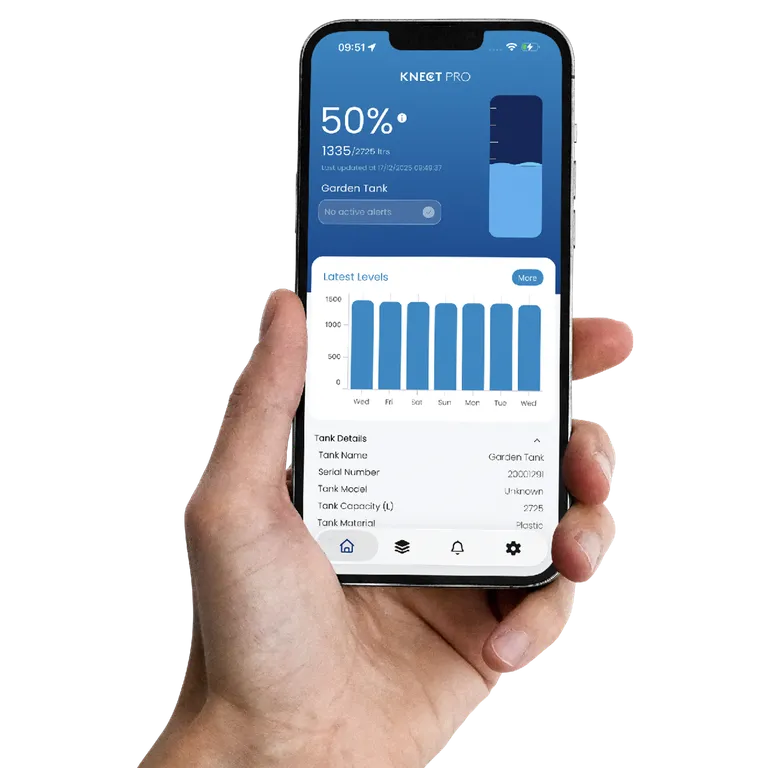
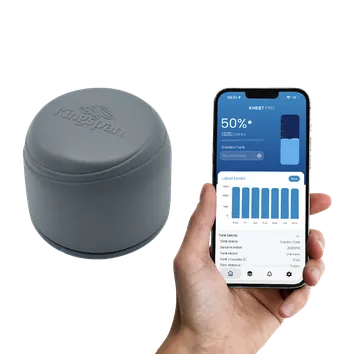
You can view your tank levels using the KNECT Pro App, you can download it via App Store (Apple) and Google Play (Android).
| Light | Meaning | Solution |
|---|---|---|
| Green Flashing | Ready for pairing with WiFi | N/A |
| Green Solid | Connection established, device is active | N/A |
| Red Solid | No internet connection | Please ensure your WiFi router is turned on and has connection to the internet. Please try unplugging the Watchman SENSiT receiver for a few minutes. |
| Amber Solid | Lost connection to Watchman Sonic Advanced transmitter | Please go through the pairing process again, watch video from 03:38. Please make sure the Watchman SENSiT USB Receiver is within 200 metres clear line of sight from the transmitter. |
| Purple Solid | Checking for software updates | This can take up to a couple of minutes depending on the internet connection. |
| No Light Displayed | The unit is powered off or has developed a fault | Please check if the USB plug adapter is working (try another USB plug adapter to test this). If it is still not working, please contact Customer Care. |
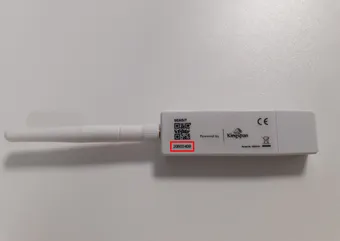
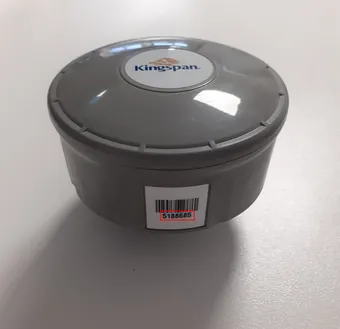
There are two serial numbers that should be recorded:
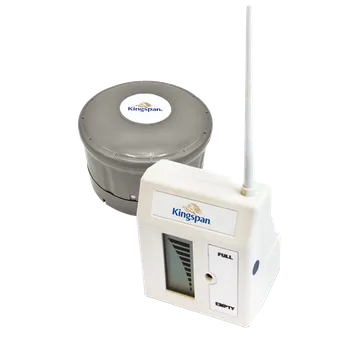
1. Your Watchman SENSiT USB Receiver serial number can be found here:
2. The Watchman SENSiT transmitter serial number can be found here:
This product is compatible with domestic routers only (not compatible with mobile broadband or business routers).
Signs of an incompatible router or incompatible router settings include:
List of incompatible Routers/Wi-Fi devices:
Even if your router is not on this list, your router might be incompatible with SENSiT device.
In this case, please return the Watchman SENSiT device for full refund.
When you receive the 'Wi-Fi Connection' error message while pairing, please check the following:
A: Check permissions, navigate to your phone settings, locate the KNECT Pro app, and ensure that all necessary permissions are approved. If the problem persists, consider uninstalling and reinstalling the app, agreeing to all permissions during the installation process.
B: Forget the SENSIT network in phone's Wi-Fi settings, go to your phone settings, access the Wi-Fi section, and locate the SENSIT network. Choose the "Forget" option to remove it from your saved networks.
C: Check your home network credentials.
D: Ensure that your phone is connected to the SENSiT network when attempting to pair. You may observe a "no internet" notification, which is expected and correct during this process.
This product is designed to assist with monitoring and managing tank levels by providing indicative level data. It does not actively prevent run-outs or overfills. The accuracy of the reported data is approximately ±5%, depending entirely on the accuracy and completeness of the setup information and parameters provided by the customer.
It remains the customer’s full responsibility to ensure that correct configuration details are supplied and that data is reviewed regularly. The manufacturer and supplier accept no liability for run-outs or overfills if data is not sent, received, or displayed due to network issues, server downtime, customer internet failures, or other transmission disruptions. This product supports level management but is not a fail-safe device or guaranteed prevention system.
Get in touch for more information on how we can help you with your project
Smart Monitoring
Monitor, manage, and optimise performance in real time with our advanced range of telemetry solutions. Our smart monitoring systems keep you connected to your Titan product - delivering instant insights, early alerts, and peace of mind from any location.
Resources
From real-world projects to useful industry knowledge, explore our latest case studies and articles. Gain insight into different applications and keep up to date with the latest developments, ideas and information from across the industry.

Asda employs our Watchman Anywhere Pro tank monitoring solutions to manage oil levels

The future of remote monitoring in the wastewater industry is set to be defined by smarter, more efficient, and more sustainable operations.

There are no longer any concerns about running out of oil at many Volkswagen Group Ireland dealerships
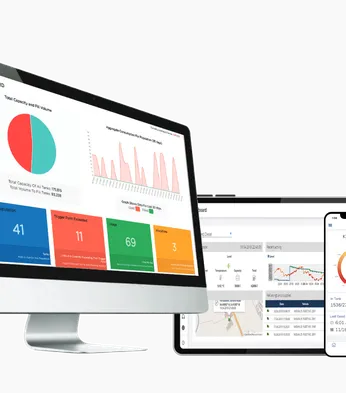
Effective tank monitoring is the key to optimising business performance in various industries.
Fill in the form below and our team will be able to help you with your request.